Similarity percentage
See the overall proportion of matched content alongside your document's total word count.
Review similarity in your draft, see the sources behind each match, and decide what to revise before you submit.
Your plagiarism report
A score is only a starting point. Revisy.ai keeps the document, matching passages, and source details together so you can review what needs attention.
See the overall proportion of matched content alongside your document's total word count.
Review the number of sources, matched words, matching passages, and source similarity.
Use match categories to distinguish exact language from related similarity.
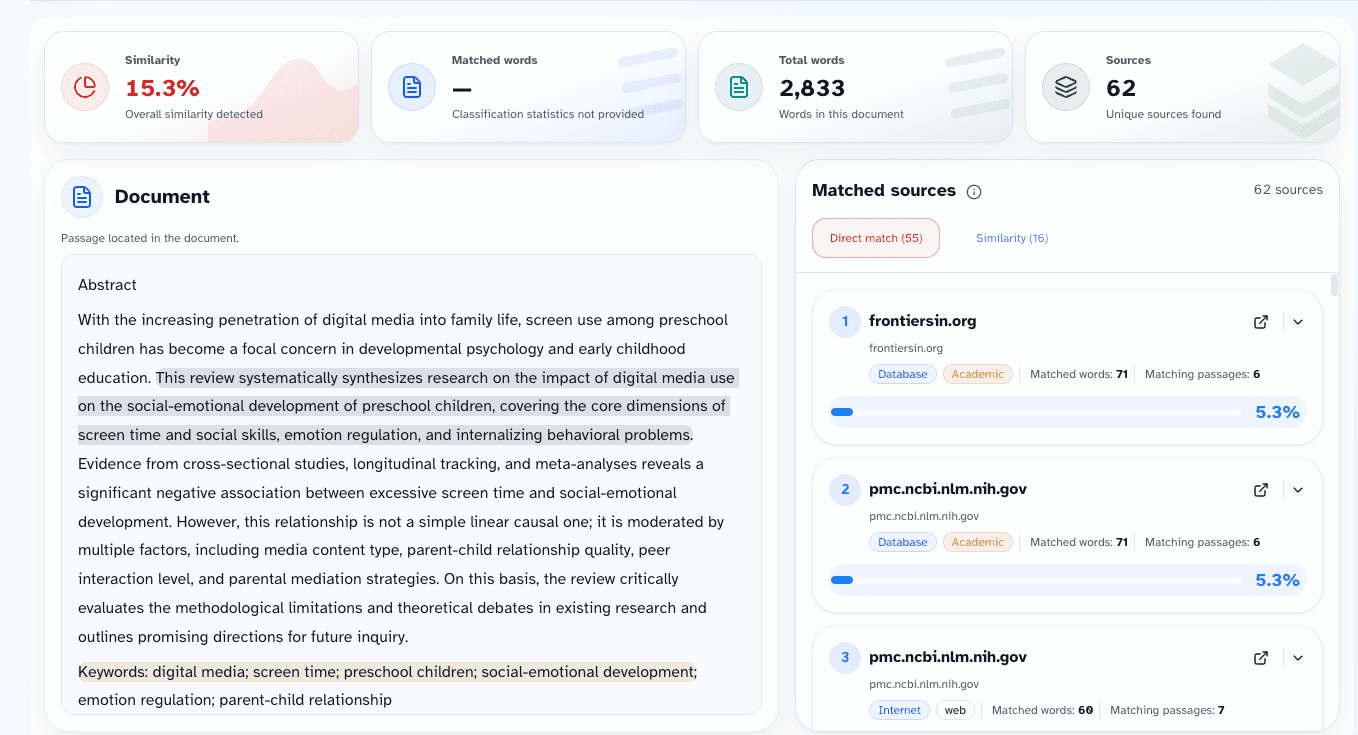
Matched passages and sources
Select a match to compare the wording in your paper with the relevant source information. The report shows matched words, passages, and the similarity connected to that source.
A report view keeps document context on the left and matching source details on the right.
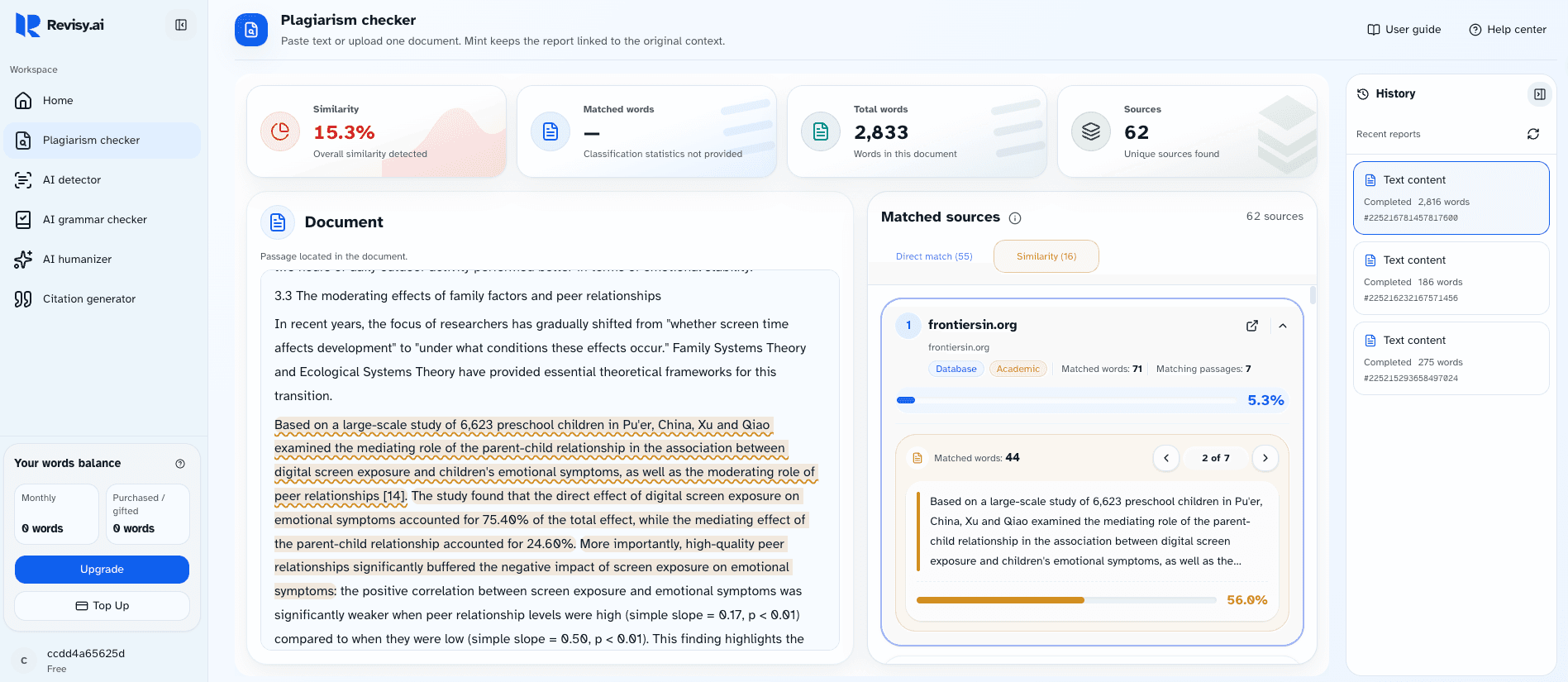
Report access
You can add text or upload a PDF or DOCX file up to 10 MB. Sign in to run a check. Full plagiarism reports are available as a one-time purchase priced by your document's word count—no membership is required.
Built for academic writing
Use it before turning in an essay, research paper, literature review, thesis chapter, or other academic draft.
Check quotations, paraphrases, and cited material before a deadline.
Review long-form arguments against sources while preserving the surrounding context.
Use the report to guide revision—not to replace careful citation and editing.
Choosing a plagiarism checker
A useful report identifies the sources behind a match.
You should be able to see where a match appears in your document.
Exact matches and similarity signals should be easy to tell apart.
Pricing and access rules should be clear before you pay.
How it works
Choose the text or file tab and add the version you want to review.
Revisy.ai prepares the main similarity report first, then finishes the document preview and positions.
Select a passage or source to move between the report and the original context.
Plagiarism checker FAQ
Student guide
Read the highlighted text with the sentences around it, rather than relying on a percentage alone.
Confirm whether the wording is quoted, cited, or sufficiently paraphrased for your assignment.
Use your course requirements and citation style guide when deciding what to change.
Paste your draft or upload a PDF or DOCX file to start a plagiarism check.
Check your paper